
Dynamic Engagement
You and your agents work with Aera through chat, voice, desktop, or open agent standards. Explore insights, get timely guidance, and take action.
-
Engage the way you work
Access Aera via chat, voice, and desktop, or programmatically through open agent standards.
-
A workspace for every team
Each team runs its Skills from its own secure Aera Workspace, with the decisions, the data and the analysis in one place.
-
Connect people and agents
People and agents work from the same Skills, under the same policies, and Aera records every decision being made.
Capabilities
Inside Dynamic Engagement
Chat
Reason, explore, and act in one conversation
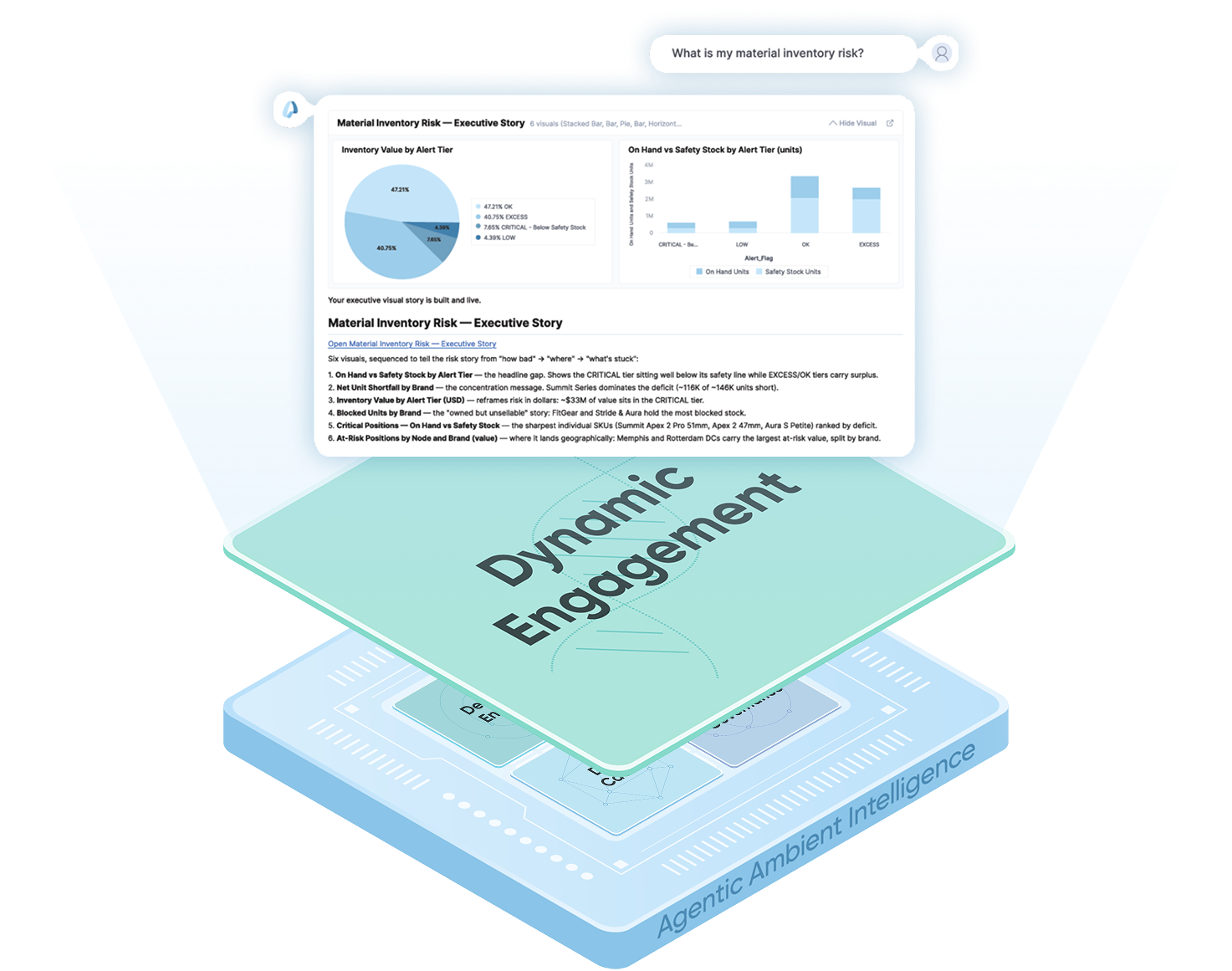
Ask open-ended questions and get explainable, personalized answers with dynamic visualizations. Explore the data behind each answer and act on it in the same conversation.
- Answers grounded in your business. Answers draw on your enterprise context, so they are specific to your business.
- Explore the data behind each answer. Aera generates visualizations as needed. Open the underlying data and take the analysis further.
- Take action in context. Move from an answer to relevant actions within the conversation, keeping the insight and the next step connected.
- Pick up where you left off. Save conversations and refresh analyses with the latest data, without having to re-enter your original questions.
Inbox
Act on recommendations
Receive prescriptive, explainable recommendations in real time, ranked by urgency and impact. Weigh their context and trade-offs, comment as a team, and accept, modify, or reject each one.
- Focus on what matters most. Sort and filter recommendations by importance, urgency, financial impact, and other dimensions to focus your attention.
- Understand the context and impact. Review the context, trade-offs, and projected impact of each recommendation, with detailed analyses to support your decision.
- Act yourself, or automate. Accept, modify, or reject a recommendation, or set that type of decision to run autonomously, with Aera acting on your behalf.
- Decide as a team. Comment on recommendations together and work through them before taking action.
Workspaces
Run a team’s decision work from one space
Each team runs its Skills from a shared, secure space, with the decisions, the measures behind them, and the conversation side by side. Analyze data, run simulations, and publish insights and Skills.
- Build Skills together. Create and manage the data, models, visualizations, and automation objects a Skill needs, and adapt Skills as the business changes.
- Explore and test scenarios. Ask questions, analyze data, and run simulations.
- Publish and reuse. Publish insights and Skills across the organization, and reuse what other teams have already built.
- Manage access by role. Control access by role, so users can view and work with the information they’re authorized to access.
Dynamic UX
From business challenge to running Skill
Start with a business challenge, prompt Aera to develop a plan, and turn it into governed decision automation, all within a conversation.
- Aera reads your intent. Describe the challenge over a prompt. Aera works out what is needed, proposes what to build, and builds it once you confirm.
- Build everything the decision needs. Aera builds the data, agents, and writebacks the decision needs, governed from day one and ready to run.
- Business can easily build its own Skills. The people closest to the problem build and adapt Skills themselves, with no dependence on specialized technical resources.
Interoperability
Aera works with the agents and tools you already run
Supported assistants and agents can bring questions to Aera and receive reasoned answers within the user’s permissions. Aera can also delegate tasks to external agents through A2A and call tools through MCP, bringing their results into its decision process.
- Call Aera from the tools you use. Put business questions to Aera through supported assistants and get its answers without switching tools.
- Hand work to external agents. Aera delegates tasks to your agents through A2A and folds their results back into the decision.
- Bring external tools into decisions. Through MCP, Aera agents call the tools on your MCP servers while a decision runs.
- Access stays under your control. Incoming requests run within the user’s permissions. Outgoing connections use the authentication you configure for each agent or tool.
Explore the technology
Other Aera Core Components
Aera's Agentic Ambient Intelligence runs continuously in the background. It knows how your enterprise runs, what you're working on, and which decisions have already been made. The moment a situation demands attention, it reasons across your environment, recommends an action, and executes within the authority and autonomy you set, involving people when judgment or approval is required.
Data Cache pulls the data each decision needs from the systems you already run and from outside sources, and harmonizes it into a live view of your business. Data becomes usable as each source connects, so decisions start on day one.
Seven decision engines are built into Aera and support every type of decision, from advised to assisted to fully automated. Several engines work on any given decision, and agents and flows can call any of them.
Decisions run within your policy and on your terms. Every automated action traces back to the authority you granted and the autonomy you set, so you have full observability of the decisions and their impact.


